
Cooking and chores,
all in one list.
Pasta in 5 minutes, laundry in 30. Name them and run them side by side.
Get it free on the App StoreHow to use it
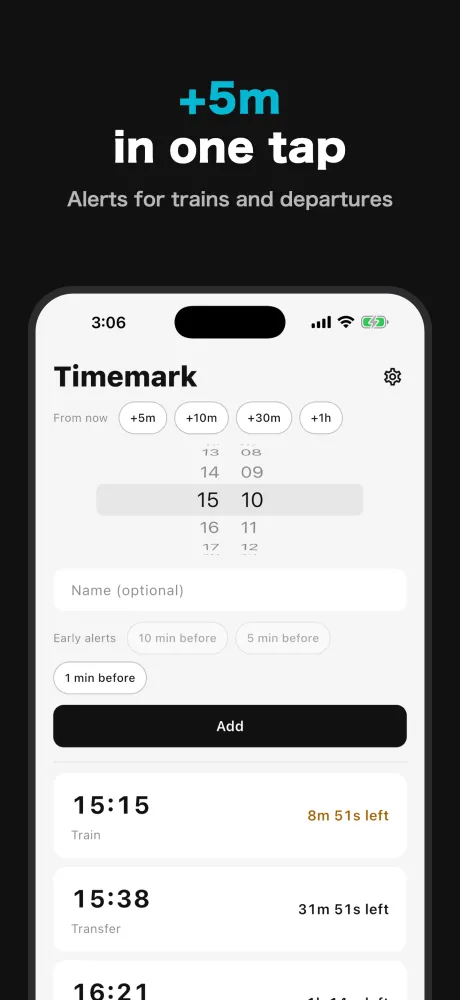
- Tap +5m, type "Pasta" and tap Add
- Tap +30m and add "Laundry" the same way
- The list sorts by time, and each alert shows its name when it arrives
Why Timemark helps
Tell them apart by name
Names like "Pasta" and "Laundry" show which one went off.
Hands full? Use Apple Watch
Check the time left on your wrist without taking out your iPhone.
Add as many as you need
The free version holds 3 at a time. Timemark Plus, a one-time purchase, removes the limit.
Timemark PlusFAQ
How many can I run at once?
Up to 3 for free. Timemark Plus, a one-time purchase, lets you add as many as you like.
Can I use it for chores longer than an hour?
Yes. Tap +1h, or turn the time picker to the time you want to finish.